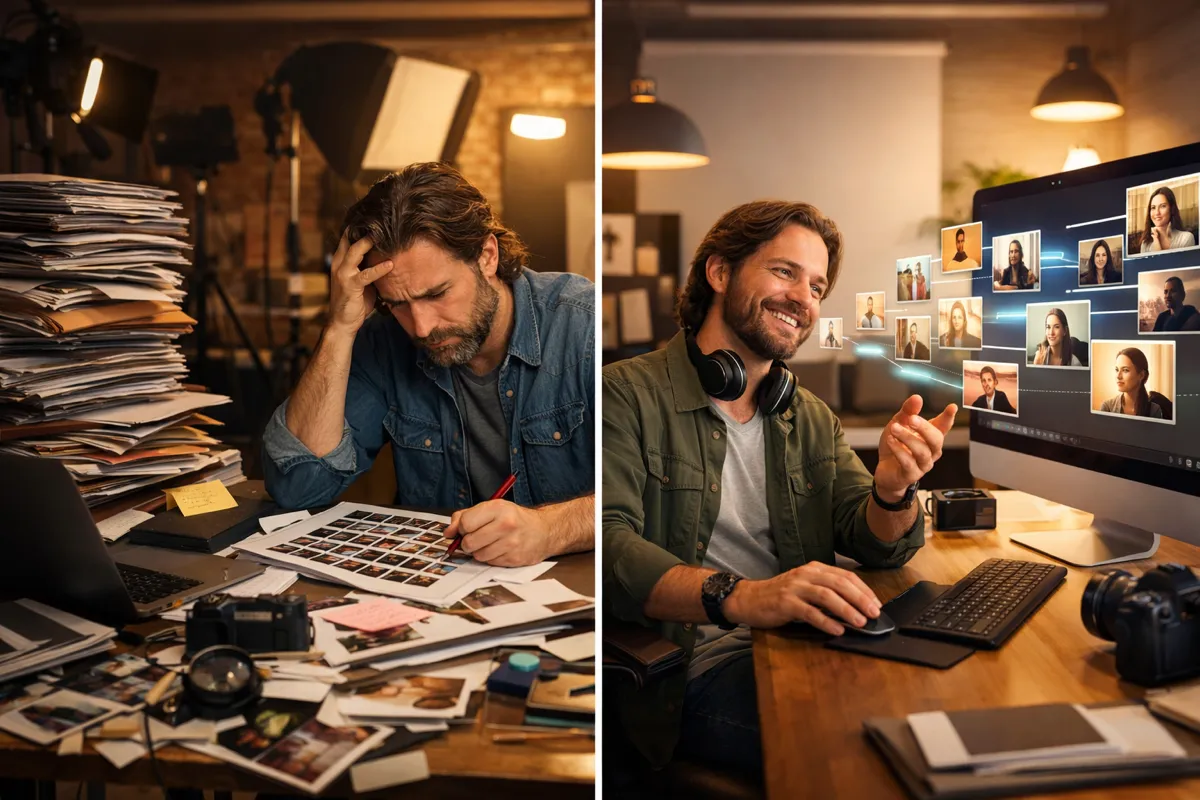
Wedding photographers spend only 4% of their working time taking photos.
That statistic caught my attention. The rest? Editing, culling, client communication, and the unglamorous administrative work that keeps a photography business running.
This is the story of PixelScribe, a tool I built to attack one specific part of that problem: the tedious, repetitive work of preparing images for delivery and the web.
The Problem
Here's what a typical photographer's post-production workflow looks like:
- Import 2,000+ images from a shoot
- Cull down to 400-600 final selections
- Edit each image (colour correction, exposure, retouching)
- Export in multiple sizes (web, print, social media)
- Add watermarks to proofing galleries
- Write alt text and metadata for SEO
- Rename files consistently
- Upload to client galleries and portfolio
Steps 1-3 are creative work. The photographer's eye, their aesthetic choices, their craft. That's what clients pay for.
Steps 4-8 are mechanical. Repetitive. Tedious. And they eat hours.
The editing itself takes 20-25 hours per wedding. But the mechanical work afterwards? That can add another 5-8 hours, depending on how thorough the photographer is about SEO and file organisation.
Most photographers either rush through this work (hurting their search visibility) or spend precious time on tasks that don't require their creative judgement.
The Existing Options
Before building PixelScribe, I looked at what already existed.
Lightroom and similar tools handle exports and presets well, but they don't generate AI-powered metadata. You can batch resize, but you can't batch write intelligent alt text.
SEO Image AI and similar services can generate alt text, but they're not built for photography workflows. They're WordPress plugins or standalone web apps. Uploading 600 images to a web service, waiting for processing, then downloading them again adds its own friction.
Manual workflow is what most photographers actually do. They either skip alt text entirely (common), write generic descriptions that don't help SEO (also common), or spend 15-30 minutes per shoot doing it properly (rare).
Nothing combined AI-powered metadata generation with the batch processing photographers already need for resizing, watermarking, and file preparation. That was the gap.
What PixelScribe Does
PixelScribe is a browser-based tool that handles the mechanical parts of image preparation.
Drop your edited photos into the interface. Configure your output settings once. Click process.
What happens automatically:
- AI analyses each image and generates SEO-optimised alt text
- Captions and keywords are created based on the actual content
- Images are resized to your specified dimensions
- Watermarks are applied consistently
- Files are renamed according to your naming convention
- Everything downloads as an organised, ready-to-use package
A batch of 50 images that would take 30-45 minutes to process manually takes under 5 minutes.
For a wedding with 500 deliverables? That's the difference between an afternoon of mechanical work and a quick coffee break.
Technical Decisions
Building PixelScribe involved trade-offs. Here's why it works the way it does.
Browser-Based, Not Server-Based
Everything runs in your browser. Images never leave your machine.
This matters for photographers handling client work. Wedding photos are personal. Portrait sessions might include children. Commercial shoots might be under NDA. Uploading these to a random server isn't just inconvenient; it's a potential liability.
Browser-based processing means complete privacy. Your images stay on your computer. The AI analysis happens via API calls that send image data for processing, but the original files never touch our infrastructure.
The trade-off: processing is limited by your computer's capabilities, not cloud servers. A mid-range laptop handles batches of 50-100 images smoothly. Larger batches might need chunking.
Gemini for AI Analysis
I chose Google's Gemini for the AI image analysis. Three reasons:
-
Cost per image is low. Processing hundreds of images needs to be economically viable. Gemini's pricing makes high-volume workflows affordable.
-
Vision capabilities are strong. Gemini accurately identifies subjects, settings, moods, and relevant details. It understands the difference between "bride getting ready" and "candid guest moment" without being told.
-
Response quality is consistent. The alt text it generates is genuinely useful for SEO, not generic filler like "woman in white dress."
I tested Claude and GPT-4V as well. Both produced good results but at higher per-image costs that would have made the tool impractical for high-volume use.
Canvas API for Image Processing
Resizing and watermarking use the browser's native Canvas API. No external dependencies. No server round-trips.
This keeps processing fast and means the tool works offline for everything except the AI metadata generation.
What Took Longer Than Expected
Honest assessment: some features were straightforward, others fought back.
Easy: Basic image processing, the user interface, file downloads.
Harder than expected: Getting consistent alt text quality across different image types. Early versions produced generic descriptions that didn't differentiate between a first dance and a ceremony shot. Prompt engineering for photography-specific context took several iterations.
Surprisingly complex: Smart cropping. Automatically identifying the focal point of an image and cropping around it (for social media sizes, for example) is genuinely difficult. The current version uses AI to identify subjects and crops intelligently, but this feature required more development time than the core metadata generation.
Results in Practice
A photographer I built this for now uses PixelScribe for every wedding delivery.
Before:
- 30-45 minutes per wedding just for alt text (if done at all)
- Inconsistent file naming
- Watermarking done one-by-one in Photoshop
- Often skipped metadata entirely due to time pressure
After:
- 5-10 minutes per wedding for complete batch processing
- Consistent, SEO-friendly naming
- Automated watermarking
- Every image has proper alt text
The time savings are real: roughly 5 hours per shoot when you account for all the mechanical tasks the tool handles.
The SEO benefit is harder to measure immediately, but her portfolio images now rank in Google Image search, which generates enquiry traffic she wasn't getting before.
What This Cost to Build
Transparency about pricing helps potential clients understand what projects like this involve.
PixelScribe was a relatively focused tool. Single-purpose, well-defined requirements, no integrations with external systems.
Development time: Approximately 3 weeks of part-time work.
Ongoing costs: Minimal. The Gemini API costs a few pence per image. Browser-based hosting is essentially free.
If you wanted something similar: Expect the £2,000-4,000 range for a focused tool like this. More if you need additional features, integrations, or custom deployment.
The ROI calculation for the photographer: if it saves 5 hours per wedding, and she does 30 weddings a year, that's 150 hours. At her effective hourly rate, the tool paid for itself within six months.
What I'd Do Differently
With hindsight, a few adjustments:
Start with smart cropping. I added it later as a "nice to have" and it turned out to be more valuable than expected. Should have been core from the start.
Build in batch templates. The current version requires configuring output settings each time. A template system that remembers "wedding delivery" settings versus "portfolio web" settings would save clicks.
Consider a Chrome extension version. Some photographers work directly from web-based tools like Pixieset. A browser extension that processes images in-place could integrate more smoothly with existing workflows.
None of these are regrets exactly. They're ideas for version 2.
The Broader Point
PixelScribe isn't special because it's particularly clever technology. It's valuable because it solves a specific, real problem for a specific group of people.
The mechanical work of image preparation has existed since digital photography began. Photographers have been manually writing alt text (or skipping it) for decades. What changed is that AI can now do the cognitive part (understanding what's in an image) cheaply enough to make automation practical.
That's the pattern I look for in every project: work that's tedious, repetitive, and doesn't require human judgement, but has been too expensive or too complex to automate until now.
If there's something in your workflow that matches that description, it might be worth a conversation.
Next Steps
Interested in a custom tool for your workflow? Book a Power Hour and we'll map out whether it makes sense.
Not sure if your problem is "build a tool" or "use existing tools better"? That's a valid question. The Power Hour helps answer it either way.
See more examples of what I've built: Portfolio
Related reading: