Three tools dominate the small business automation conversation: Zapier, Make, and n8n.
I've used all three extensively. Built workflows for clients on each platform. Hit their limitations and found their strengths. This post is what I wish someone had told me before I started.
No affiliate links. No "ultimate winner." Just honest assessment of which tool fits which situation.
The Quick Answer
If you're in a hurry:
- Zapier if you want the easiest possible setup and your workflows are straightforward
- Make if you need visual, branching workflows without writing code
- n8n if you're technical, need complex AI integrations, or want to control costs at scale
Now for the detail.
How They Think Differently
These tools have fundamentally different philosophies, and understanding that matters more than comparing feature lists.
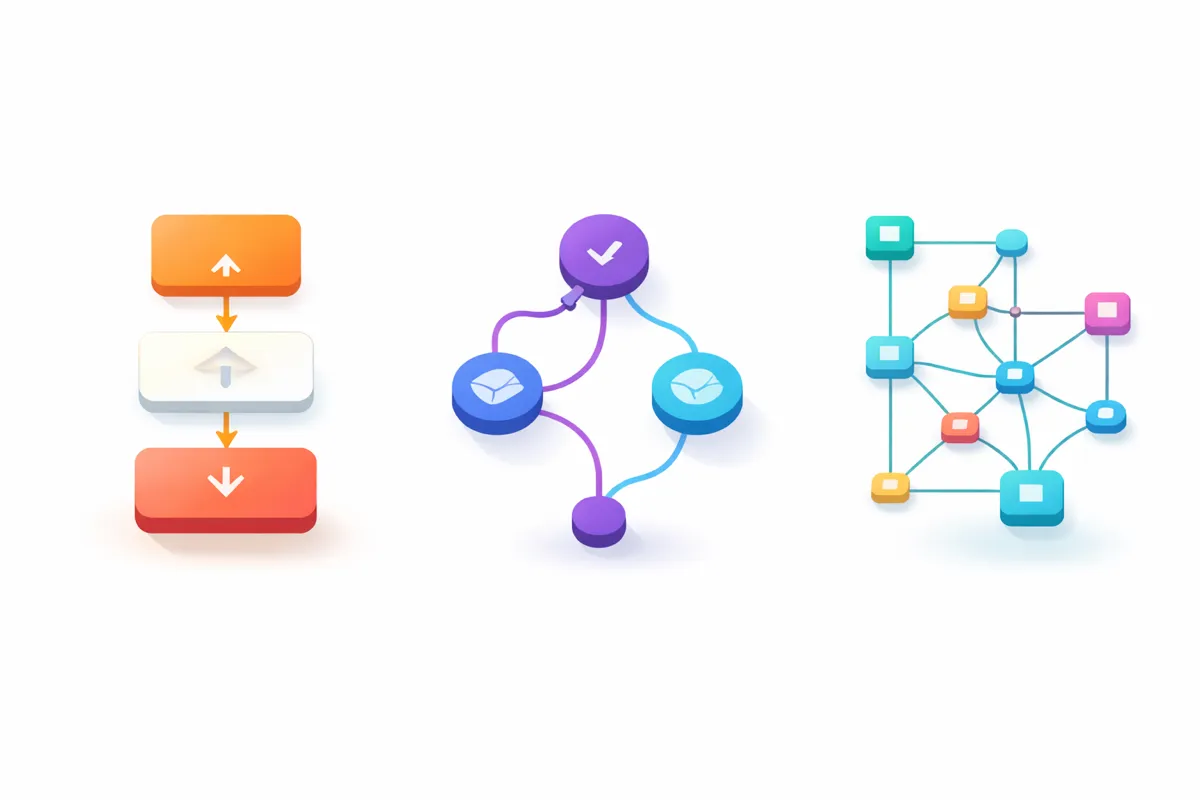
Zapier was built for non-technical users who want automation to just work. Everything is linear: trigger happens, action follows. Like following a recipe. This simplicity is both its greatest strength and its main limitation.
Make (formerly Integromat) thinks in flowcharts. You build on a visual canvas where data can branch, loop, and converge. More powerful than Zapier's linear approach, but you need to think a bit more like a programmer.
n8n thinks like a developer's tool. Node-based, open-source, self-hostable. It assumes you're comfortable with concepts like JSON and API responses. In return, it gives you flexibility the others can't match.
Pricing: Where It Actually Matters
This is where most comparisons go wrong. They list the headline prices without explaining what you're actually paying for.
Zapier's Task Model
Zapier charges per "task." A task is any successful action in your workflow. The trigger doesn't count, but every subsequent step does.
A simple workflow (1 trigger, 1 action) uses 1 task per run. A complex workflow (1 trigger, 10 actions) uses 10 tasks per run.
Current pricing (2026):
- Free: 100 tasks/month (seriously limited)
- Professional: £20/month for 750 tasks
- Team: £69/month for 2,000 tasks
The problem: complexity punishes you. Build a sophisticated 15-step workflow that runs 100 times a month, and you've consumed 1,500 tasks from a single automation.
If you exceed your limit, Zapier switches to pay-per-task billing at 1.25x your base rate. Your workflows keep running, but costs can spike unexpectedly.
Make's Operation Model
Make charges per "operation." Similar to Zapier's tasks, each module action in your workflow counts as one operation.
Current pricing (2026):
- Free: 1,000 operations/month
- Core: £7.50/month for 10,000 operations
- Pro: £13.50/month for 10,000 operations (adds priority execution)
Make's free tier is genuinely usable. 1,000 operations per month is enough to test real workflows, not just poke around the interface.
The catch: complex scenarios burn through operations quickly. I've seen clients use 5,000 operations in a week on a single CRM sync.
n8n's Execution Model
Here's where n8n differs fundamentally. n8n charges per "execution," which is one complete run of your entire workflow, regardless of how many steps it contains.
A 10-step workflow that runs 1,000 times costs 1,000 executions, not 10,000 operations.
Current pricing (2026):
- Self-hosted Community Edition: Free (you pay only for infrastructure)
- Cloud Starter: £20/month for 2,500 executions
- Cloud Pro: £50/month for 10,000 executions
The self-hosted option is the wildcard. If you're comfortable running your own server, n8n costs you roughly £5-20/month in hosting fees, with unlimited executions. Some businesses report reducing automation costs by 70-90% by switching to self-hosted n8n.
Real Cost Example
Let's say you have a workflow with 8 steps that runs 500 times per month.
Zapier: 4,000 tasks per month. You'd need the Team plan minimum (2,000 tasks) plus significant overage charges. Probably £100+/month.
Make: 4,000 operations per month. The Core plan's 10,000 operations covers it comfortably. £7.50/month.
n8n Cloud: 500 executions per month. The Starter plan's 2,500 executions is plenty. £20/month.
n8n Self-Hosted: 500 executions per month. £5-15/month for a basic server.
At scale, these differences compound dramatically.
Integrations: Quantity vs Quality
Zapier wins on raw numbers: 8,000+ app integrations. If an app exists and has an API, Zapier probably connects to it.
Make has around 2,000 integrations. It covers all the major business tools, but you might hit gaps with niche applications.
n8n has 400+ native integrations, which sounds like a disadvantage until you understand the workaround. n8n makes it relatively straightforward to build custom integrations using its HTTP Request node. If something has an API, you can connect to it, even if there's no official integration.
For most small businesses, all three platforms connect to the tools that matter: Google Workspace, Microsoft 365, CRMs, email marketing platforms, accounting software, and communication tools.
AI Capabilities
This is where the gap is widening.
Zapier offers basic AI features through its Copilot assistant, which can help build and troubleshoot workflows. Useful, but surface-level.
Make has moderate AI capabilities with connections to major AI providers.
n8n is built for AI-heavy automation. It has native LangChain integration, which means you can build sophisticated AI agents, RAG pipelines, and complex multi-model workflows directly in the platform. If you're doing anything serious with AI, n8n is currently the clear leader.
Learning Curve
Be honest with yourself about this one.
Zapier: Learn in an afternoon. The interface guides you through every step. If you can follow a setup wizard, you can use Zapier.
Make: A few days to feel comfortable. The visual canvas is intuitive once you understand it, but concepts like routers and iterators take some getting used to.
n8n: A week or more for non-developers. The interface assumes familiarity with concepts like JSON structure, API authentication, and error handling. Technical users feel at home immediately; non-technical users struggle.
There's no shame in choosing the simpler tool. An automation that actually gets built beats a theoretically superior one that you never finish configuring.
Who Should Use What
Choose Zapier if:
- You're not technical and don't want to become technical
- Your workflows are genuinely simple (trigger → 1-3 actions)
- You need an integration that only Zapier has
- Your time is worth more than the cost difference
- You want something working in 20 minutes, not 2 hours
Choose Make if:
- You need branching logic or conditional paths
- Your workflows have multiple steps that should run in parallel
- You're comfortable with a visual programming approach
- Cost matters and your workflows are complex
- You want more control than Zapier but less complexity than n8n
Choose n8n if:
- You're building AI-powered automations
- You need to self-host for data privacy or cost reasons
- Your workflows are complex and run frequently
- You're comfortable with technical concepts
- You want to avoid per-task pricing at scale
- You need custom integrations that don't exist elsewhere
The Migration Question
Switching platforms is painful. Each tool has its own way of structuring workflows, and there's no export/import between them.
My recommendation: start with Zapier if you're unsure. Its free tier is limited, but it's enough to prove concepts. If you hit limitations (cost, complexity, features), you'll know specifically what you need from the next platform.
Don't start with n8n just because it's cheapest. If you get stuck and can't finish your automation, "cheap" becomes "worthless."
What I Use
For client projects, I use Make most often. It hits the sweet spot between power and accessibility for the types of workflows small businesses typically need.
For AI-heavy projects and my own systems, I use self-hosted n8n. The cost savings and AI capabilities are worth the extra complexity.
I rarely recommend Zapier for anything beyond the simplest use cases. The per-task pricing becomes expensive too quickly.
Next Steps
If you're trying to figure out which platform fits your specific situation, or you've got a workflow in mind but aren't sure how to build it, a Power Hour session can help.
We'll map out what you're trying to automate, identify the right tool for the job, and I'll show you how to build it. Sometimes that's Zapier. Sometimes Make. Sometimes n8n. Sometimes it's not an automation platform at all.
Related reading: